 NoverVideo
Consent comes first.
Note-taking is off until the host turns it on, and nothing is captured until the people in the call have agreed. Sharing the notes with guests is a second, separate choice.
note_taking_enabled: false
Video for clinics and the teams who build for them
NoverVideo is the booking form, the call and the written-up notes, as pieces you paste into your own pages. Your patients click a link and they are in the room. No app to install, no account to create.
How it works
Five things happen between someone asking for a video visit and the record landing in your system. Each is a layer you can see.
01
Paste one script tag and one element. The scheduler and the room take your colours and sit inside your layout, so nobody is sent off to someone else's site halfway through booking.
02
Open slots come from the host's Google Calendar, so a booking never lands on top of a ward round. Everyone invited gets an email with a calendar file and their own link to join.
03
Guests join from their link on a phone or a laptop. Keep them in a waiting room until you are ready, share a screen, record when you need to. Calls run on media servers we operate ourselves.
04
Turn on note-taking and, once the people in the call have agreed, the conversation is transcribed and summarised: why they came, what was discussed, what happens next.
05
When the summary is ready it is posted to your own endpoint, signed so you can prove it came from us, with the transcript attached. The record ends up where the rest of your records are.
Anatomy Guide
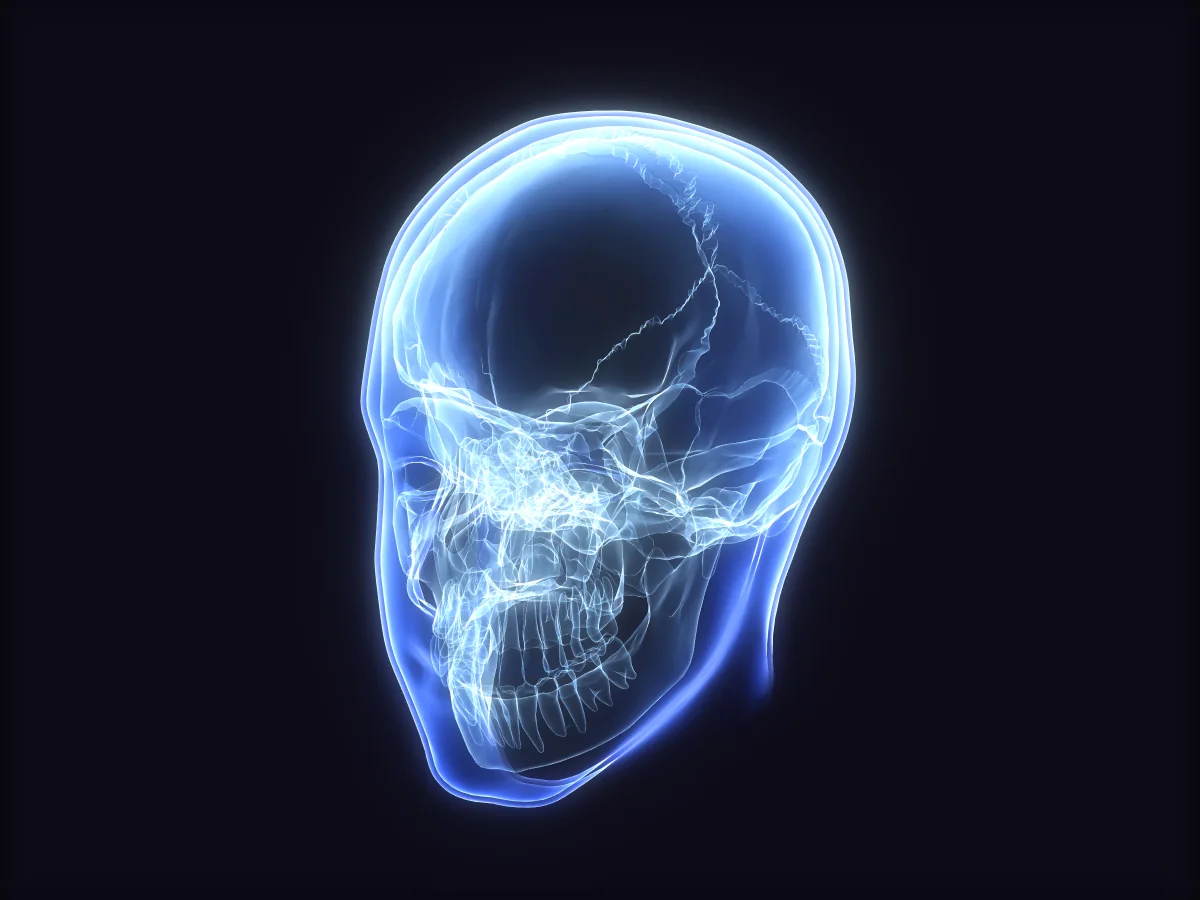
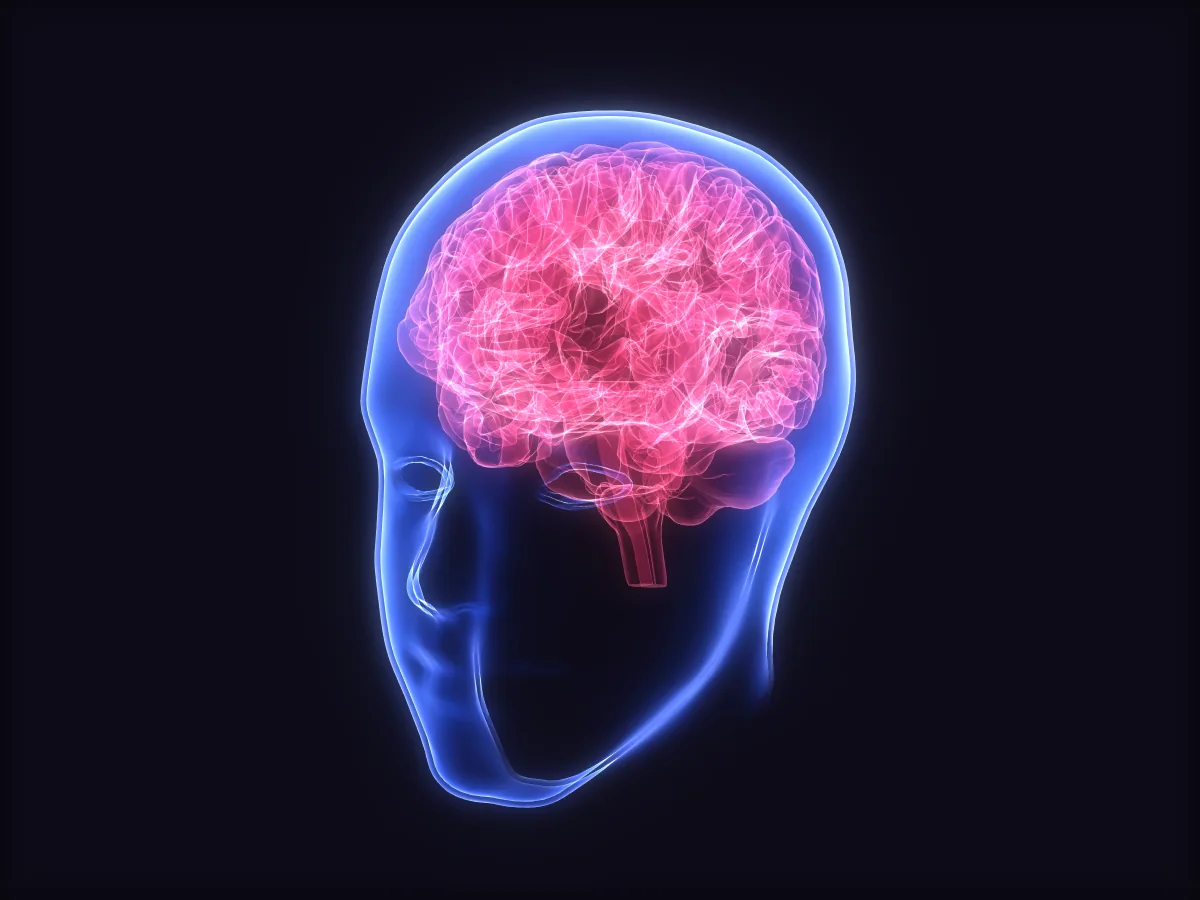
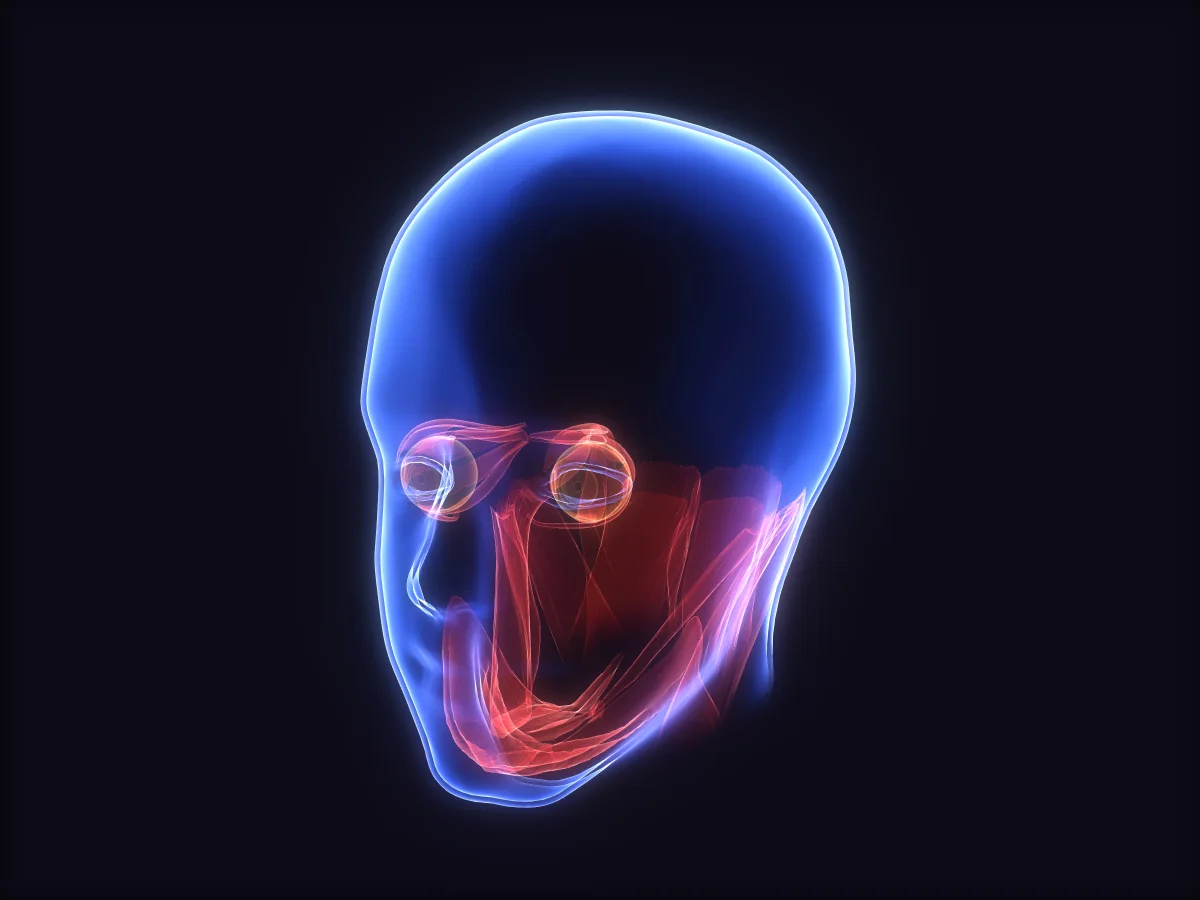
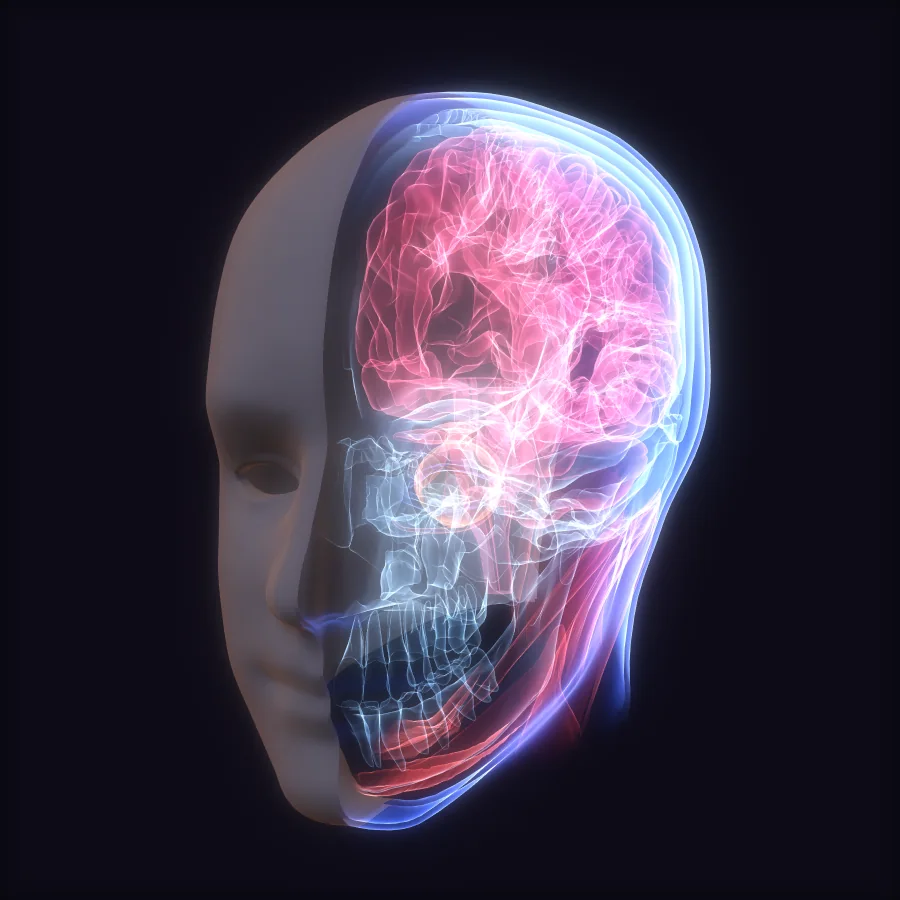
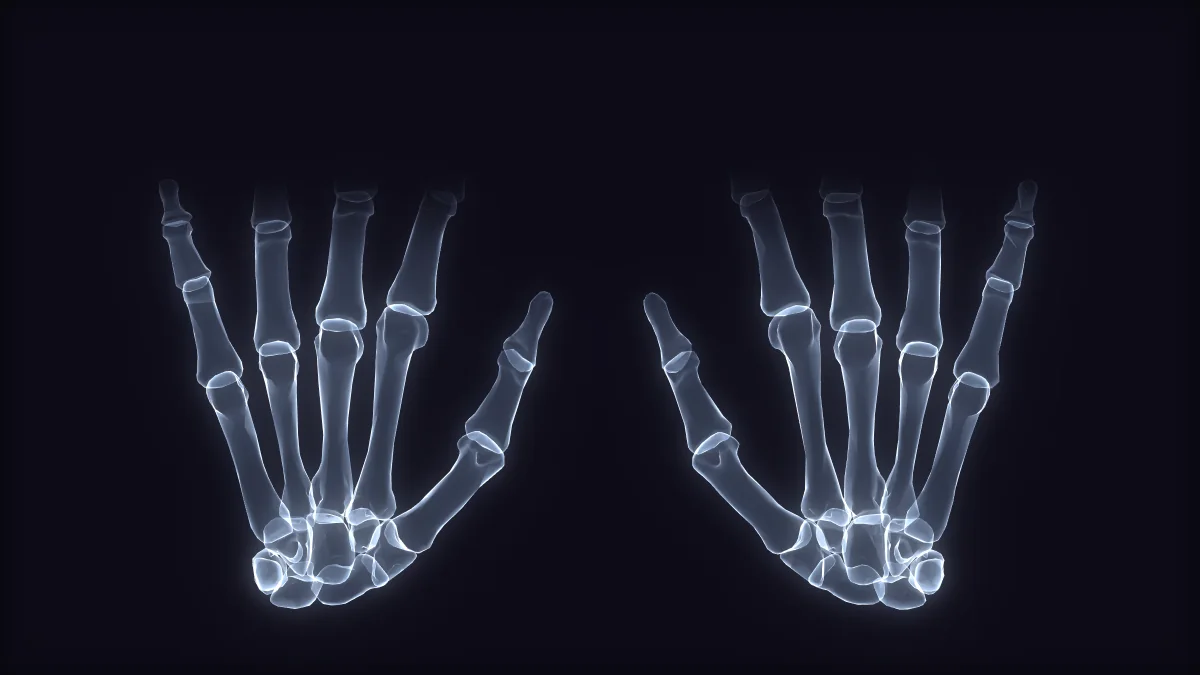
Open the Anatomy Guide during a call and a labelled 3D model settles over your own head and hands on camera, and moves when you do. Turn your head and the skull turns with it. Hold up a hand and its bones follow your fingers.
For now the guide follows the clinician's own camera. Following the patient's picture is being built.
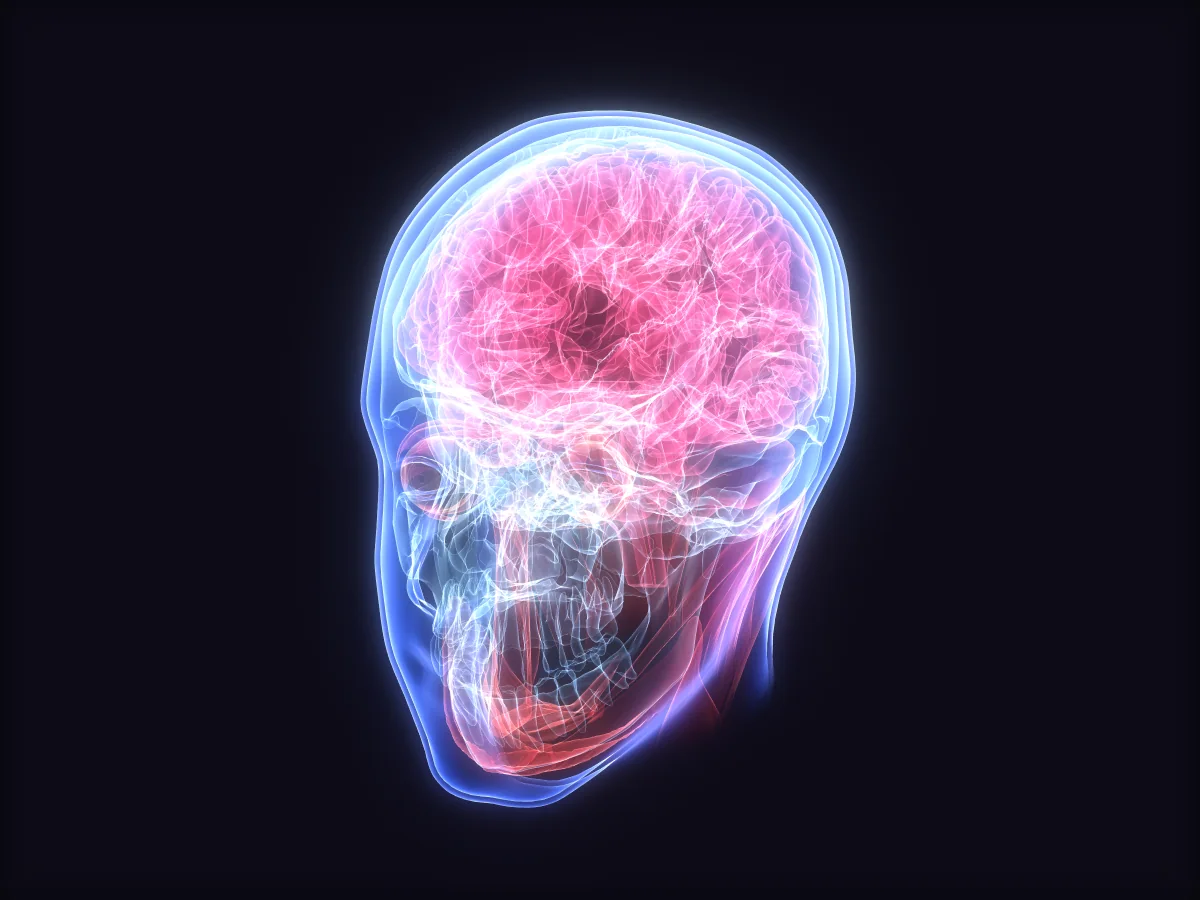
Illustration — not imaging of a patient.
For developers
Every piece is a custom element, so it drops into whatever your site is built with. Use the scheduler for the whole flow, or take only the parts you need.
<nover-meeting-scheduler>Booking, availability, the room and the notes in one<nover-meeting-room>Just the call, with the host's controls<nover-availability-picker>Free slots from the host's calendar<nover-meeting-list>Upcoming and past meetings<nover-join-button>One button that opens the right room<nover-meeting-summary>A finished summary, rendered<!-- 1. the script --> <script src="https://video.noverdesk.com/v1/nover-video.js" async></script> <!-- 2. the element --> <nover-meeting-scheduler publishable-key="nvd_pub_live_…" org-id="sunrise-clinic" api-url="https://video.noverdesk.com" primary-color="#0B6E4F" default-duration="30" summary-mode="kps"> </nover-meeting-scheduler>
// For when you want your own interface.
const nover = NoverVideo.init({
  publishableKey: 'nvd_pub_live_…',
  orgId: 'sunrise-clinic',
  baseUrl: 'https://video.noverdesk.com',
});

const meeting = await nover.meetings.create({
  title: 'Follow-up consultation',
  scheduled_start: '2026-05-14T14:30:00+03:00',
  duration_minutes: 30,
  host: { email: 'w.kamau@sunriseclinic.example' },
  participants: [{ email: 'amina@example.com' }],
});

nover.on('meeting:ended', ({ meetingId }) => {
  // update your own records
});
POST https://your-server.example/hooks/video
Content-Type: multipart/form-data
X-Nover-Event: summary.ready
X-Nover-Timestamp: 1778760000
X-Nover-Signature: t=1778760000,v1=5d41402abc4b2a76…

── payload ────────────────  application/json
{ "event": "summary.ready",
  "meeting": { "id": "mtg_…", "duration_seconds": 1680 },
  "summary": { "headline": "…" } }

── summary_markdown ───────  summary.md
── summary_fhir ───────────  kps-bundle.json
── transcript ─────────────  transcript.json
For clinics
A consultation is not a sales call. What gets recorded, what gets written down and who gets to read it are decided by the clinician, and enforced on our servers, not by a button somebody could click around.
Note-taking is off until the host turns it on, and nothing is captured until the people in the call have agreed. Sharing the notes with guests is a second, separate choice.
note_taking_enabled: false
A Kenya Patient Summary written from a conversation is marked preliminary, and each statement points back to the part of the transcript it came from, for a clinician to check.
Composition.status: preliminary
Summaries are delivered to your system. We do not submit anything to the health information exchange on your behalf: signing off and sending stay with you.
summary.ready → your endpoint
What it leaves out
The demo is the real scheduler and the real room. Book a meeting with yourself and see every layer work.